> ## Documentation Index
> Fetch the complete documentation index at: https://docs.neopal.ai/llms.txt
> Use this file to discover all available pages before exploring further.
# Dashboard
> The Dashboard gives you a real-time overview of how your NeoPal system is performing, so you can take timely and informed actions to improve customer experience and sales outcomes.
 ### Key metrics
Quickly view your most important performance metrics.
### Key metrics
Quickly view your most important performance metrics.
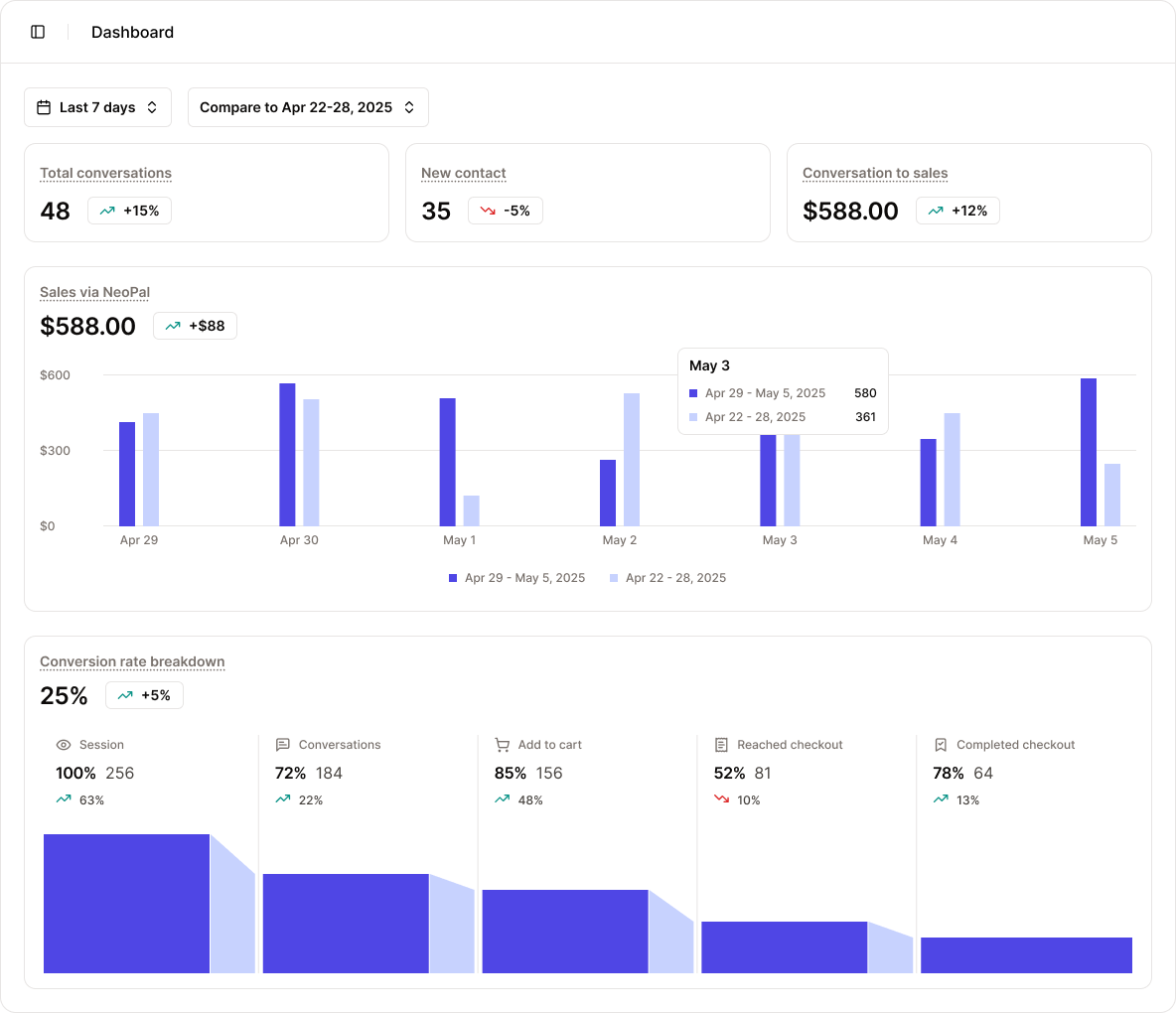 * Number of conversations
* New contacts acquired
* Conversion rate
* And other key engagement metrics
These insights help you understand how effectively NeoPal is interacting with your customers.
### AI audit suggestions
* Number of conversations
* New contacts acquired
* Conversion rate
* And other key engagement metrics
These insights help you understand how effectively NeoPal is interacting with your customers.
### AI audit suggestions
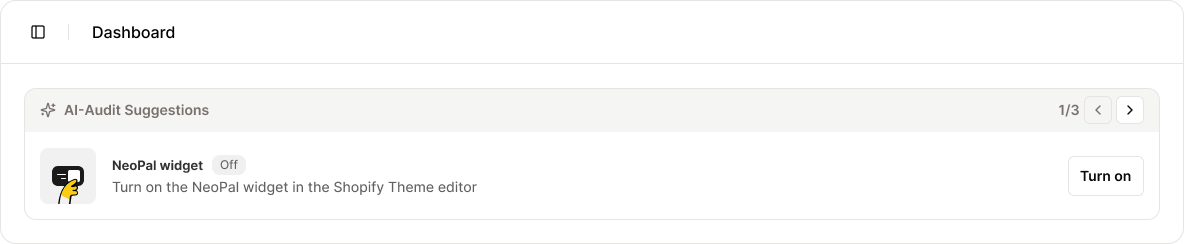 NeoPal automatically audits your store’s performance using AI and suggests actions to optimize results.
For example:
* “Add a proactive message to this product page to improve engagement.”
* “Follow up with customers who added to cart but didn’t check out.”
These AI-driven recommendations help you continuously improve with minimal effort.
### Tips & best practices
NeoPal automatically audits your store’s performance using AI and suggests actions to optimize results.
For example:
* “Add a proactive message to this product page to improve engagement.”
* “Follow up with customers who added to cart but didn’t check out.”
These AI-driven recommendations help you continuously improve with minimal effort.
### Tips & best practices
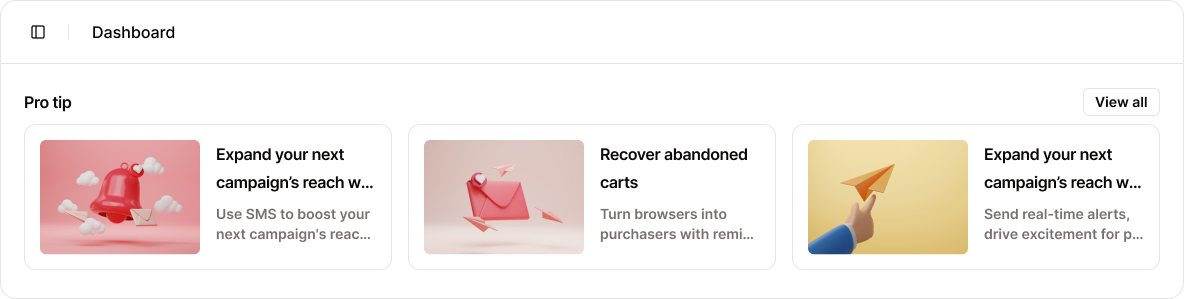 This section offers practical tips and curated guides to help you make the most of NeoPal. Learn how other successful merchants use NeoPal to:
* Increase conversion rates
* Automate customer service
* Optimize product recommendations
### Live insights (NeoPal Max only)
This section offers practical tips and curated guides to help you make the most of NeoPal. Learn how other successful merchants use NeoPal to:
* Increase conversion rates
* Automate customer service
* Optimize product recommendations
### Live insights (NeoPal Max only)
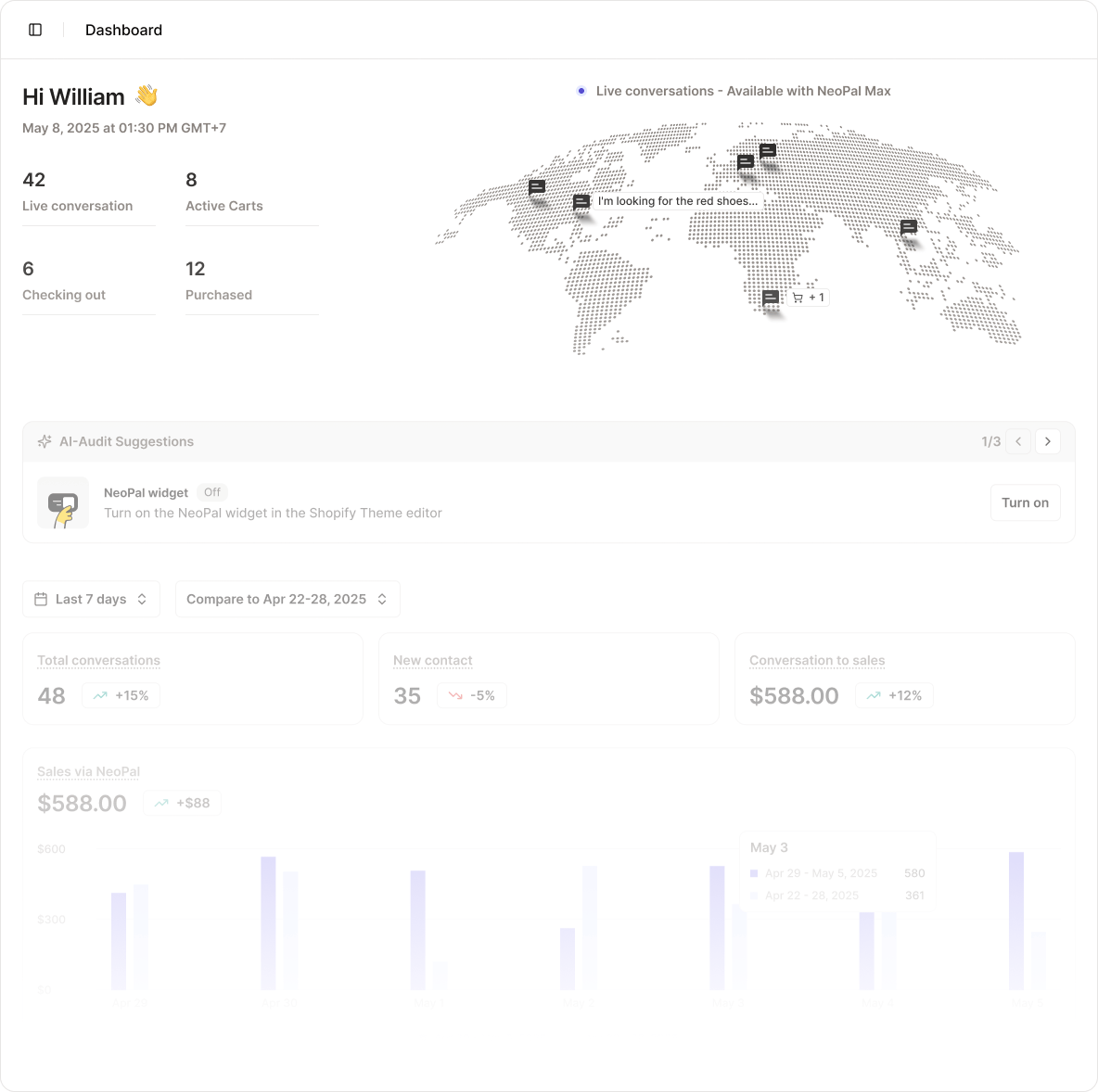
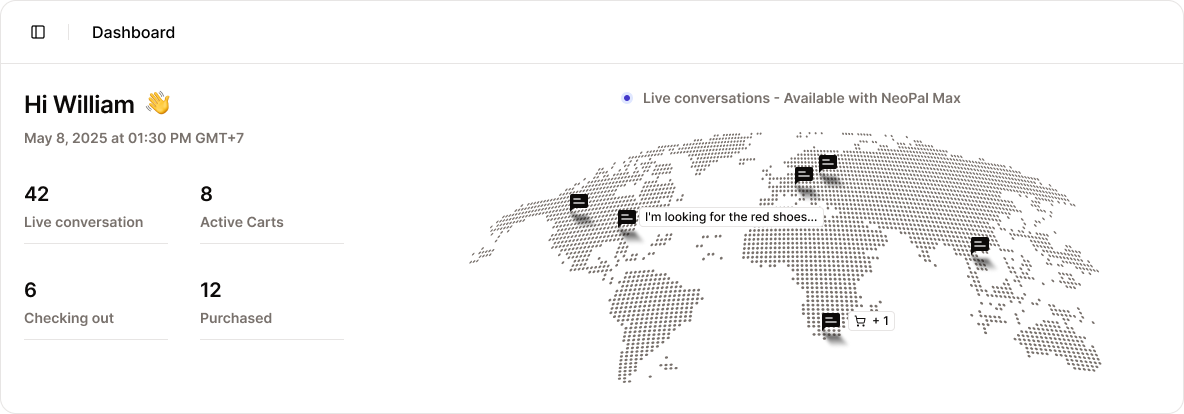 If you’re on the **NeoPal Max** plan, you’ll unlock live tracking features, including:
* **Real-time conversations**: Monitor how many chats are active right now.
* **Live active carts**: See how many users are currently shopping.
* **Live checkouts**: Track customers in the checkout flow in real time.
* **Live global map**: Visualize where your customers are interacting from around the world.
These live dashboards offer a powerful view into customer behavior as it happens, ideal for fast-scaling stores.
If you’re on the **NeoPal Max** plan, you’ll unlock live tracking features, including:
* **Real-time conversations**: Monitor how many chats are active right now.
* **Live active carts**: See how many users are currently shopping.
* **Live checkouts**: Track customers in the checkout flow in real time.
* **Live global map**: Visualize where your customers are interacting from around the world.
These live dashboards offer a powerful view into customer behavior as it happens, ideal for fast-scaling stores.